

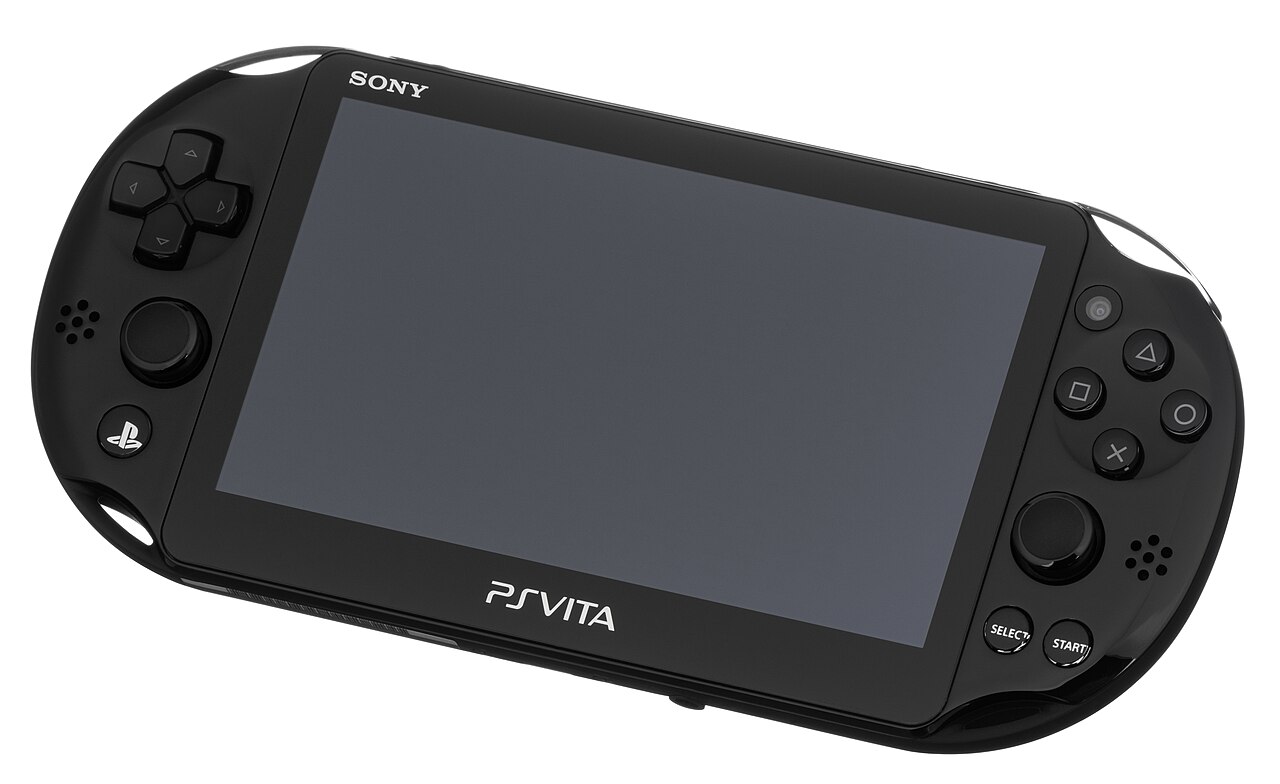
The PlayStation Vita may be long past its commercial prime, but for thousands of players it remains a favourite handheld. Physical game cards wear out, get lost, or become hard to find, and digital purchases are tied to storefronts that will not stay online forever. That is why backing up the games you own has become an important part of Vita ownership, and why tools built for exactly that job still matter today.
What MaiDumpTool Does
At its core, MaiDumpTool is a homebrew utility for hacked PlayStation Vita consoles that copies, or “dumps”, the contents of a game — from a physical card or an installed digital copy — onto the console’s memory card or internal storage. The dumped files can then be stored safely on a computer or external drive, and reinstalled later if the original card fails or you simply want your whole library in one place.
Unlike a simple file copy, a proper dump preserves the game’s data in a form the console can actually run again. That includes the game files themselves along with the structure the Vita expects, so a backup made today can still be restored years from now when replacement cards are expensive or impossible to buy.
What You Need Before You Start
MaiDumpTool only runs on a Vita with custom firmware enabled, such as a console running HENkaku on firmware 3.60 or a more recent enso setup. You will also need enough free space on your memory card — a dumped game takes up roughly the same space as the installed original — and a way to move files between the Vita and a computer, either over USB or FTP with a tool such as VitaShell.
Before dumping anything, it is sensible to back up your save data separately. Saves are small, precious, and easy to lose during any file operation, and no game backup is worth much if the hundred hours of progress that went with it disappear.
The Dumping Process in Brief
The process itself is straightforward. After installing the tool on the console, you insert the game card (or select the installed game), start the dump, and wait while the files are copied. Larger games can take a while, so most users keep the console plugged in during the process. When it finishes, the dumped folder can be copied to a PC for long-term storage, clearly labelled with the game’s name and region so it is easy to find later.
Working carefully matters more than working quickly. Interrupting a dump halfway leaves incomplete files, and mixing up folders from different games creates confusion later. Most experienced users dump one game at a time and verify the backup before moving on to the next.
Why Owners Back Up Their Games
Preservation is the biggest reason. Vita game cards are no longer manufactured, shops have closed or reduced support, and every year more of the handheld’s library becomes difficult to buy at a fair price. A personal backup means a scratched or lost card does not end your access to a game you paid for.
Convenience comes a close second. Carrying one memory card with your whole library is far easier than swapping fragile game cards while travelling, and loading from local storage can be quicker and gentler on the hardware. For collectors, backups also protect rare or imported titles that would be costly to replace.
Staying Sensible and Legal
Backups are for your own games. Downloading or sharing dumped games that you do not own is piracy, and it is the one use that gives honest preservation a bad name. Laws on personal backups differ between countries, so it is worth knowing your local rules, but the common-sense line is simple: back up what you bought, keep the copies for yourself, and never redistribute them.
It also pays to download homebrew tools only from their official or well-known community sources. Modified or repackaged installers are a known route for broken setups and worse, so checking the source before installing anything on your console is a habit worth keeping.
Conclusion
The Vita’s community has kept the handheld alive long after official support faded, and careful backup habits are a big part of that story. With a hacked console, a little free space, and a tool such as MaiDumpTool used responsibly, the games you own can stay playable for years to come — exactly as preservation should work.
